Wraps a long-running command and pins a configurable info box to the bottom of the terminal. Output scrolls above it, unaltered.
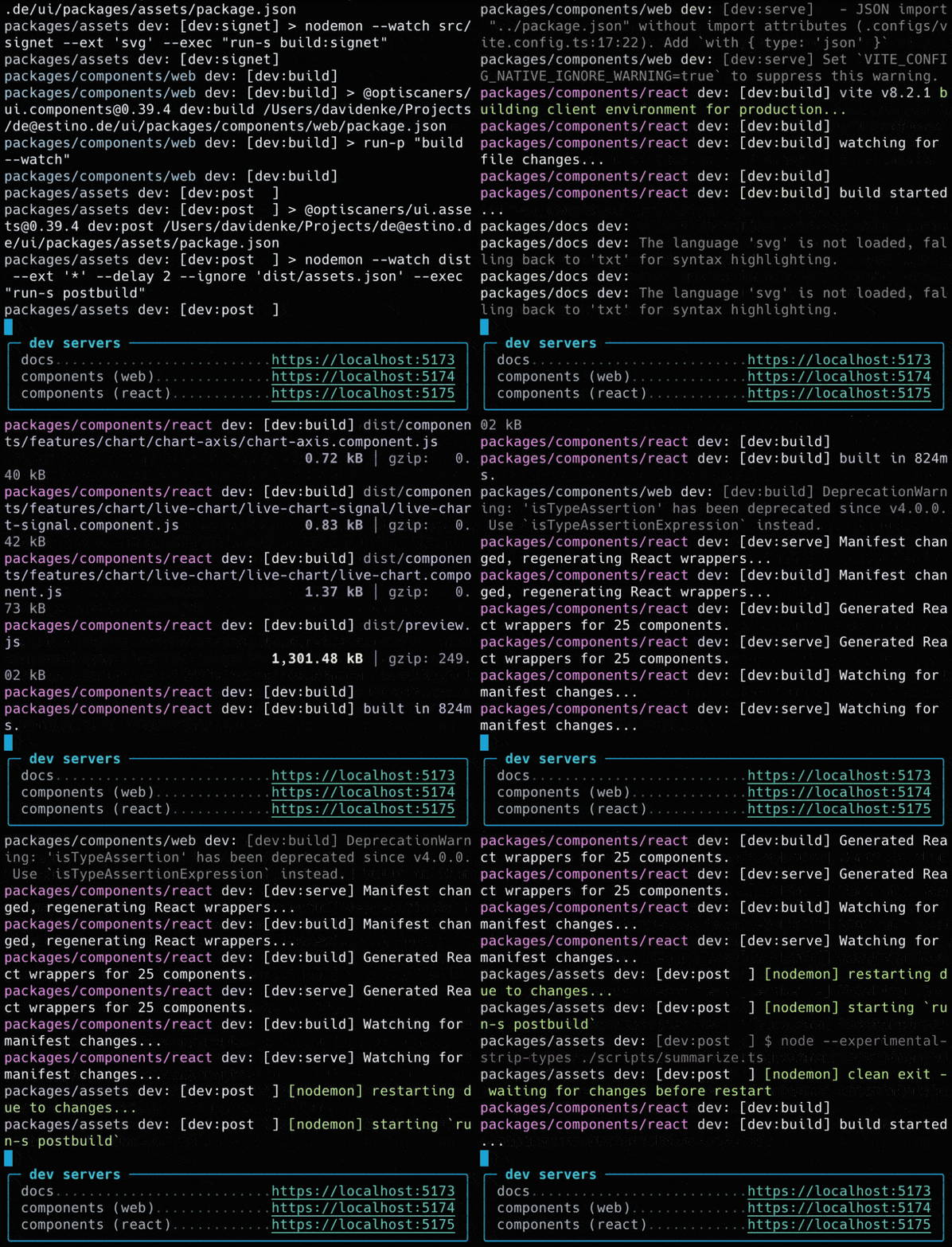
With a .logbox.json in your project root:
npx @enke.dev/logbox pnpm -r --parallel --stream devOr define contents inline:
npx @enke.dev/logbox -c '[["docs","https://localhost:5173"]]' -t 'dev servers' npm run devEither as dev dependency:
npm i -D @enke.dev/logboxOr globally:
npm i -g @enke.dev/logbox
Then run the command directly with either a .logbox.json or contents defined
inline:
logbox pnpm -r --parallel --stream dev
logbox -c '[["docs","https://localhost:5173"]]' -t 'dev servers' npm run dev
The box content lives in .logbox.json (repo root or user home). Point your editor
at the published schema for completion and validation:
{
  "$schema": "https://enke-dev.github.io/logbox/logbox.schema.json",
  "title": "dev servers",
  "content": [
    ["docs", "https://localhost:5173"],
    ["components", "https://localhost:5174"]
  ]
}